Case data & diagnostic preparation
Reliable planning begins with usable case data.
DICOM handling, CBCT segmentation, intraoral and model scan use, and scan alignment — prepared so your case reaches a clean planning stage.
What this step protects
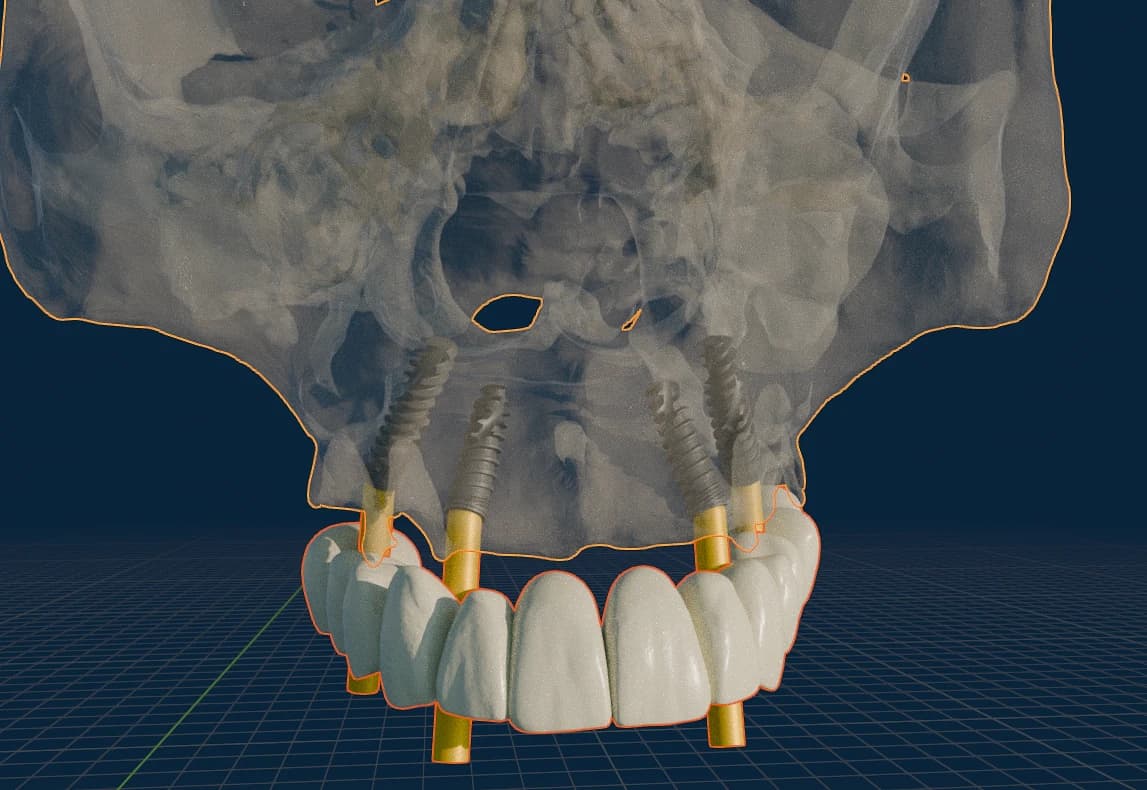
Most planning delays start with the data, not the design. Clean, aligned, complete records let planning begin on the first pass — so this step protects your timeline and the reliability of every decision that follows.
Workflow detail
What we prepare
- DICOM handling and conversion
- CBCT segmentation
- IOS / model scan use
- Scan alignment
Accepted file types
- DICOM
- STL
- Supporting JPG / PNG
- Other formats only after portal validation
What the dentist receives
- Records confirmed usable for planning
- A clear list of anything missing
- A clean starting point for the selected workflow
Where cases commonly stall
These are the issues we check for up front, so a case does not lose time in planning or come back for avoidable rework.
- Compressed or partial DICOM exports
- CBCT and intraoral scans that will not align
- Field of view that misses the planned region
- Scans with scatter or movement that obscure the anatomy
Important notes
Technical data preparation is separate from radiology interpretation. Diagnostic interpretation remains a clinical responsibility of the treating or reporting professional.
Common questions
Discuss the case first if…
you are unsure which records a specific workflow needs, or whether existing imaging is sufficient before repeating a scan.
Prepare your case data.
The Case Portal is live for invited practices. Request an invitation, or discuss the case with the team if the workflow is still being defined.