Guided implant workflow
Guided implant planning built around the planned restoration.
Restoration-led planning and surgical guide support for single and multiple implant cases. We coordinate data, plan and guide design, and share the plan for clinician review before production.
Image3DConversion supports digital planning and workflow preparation. The treating clinician remains responsible for diagnosis, indication, consent and final approval.
What this workflow protects
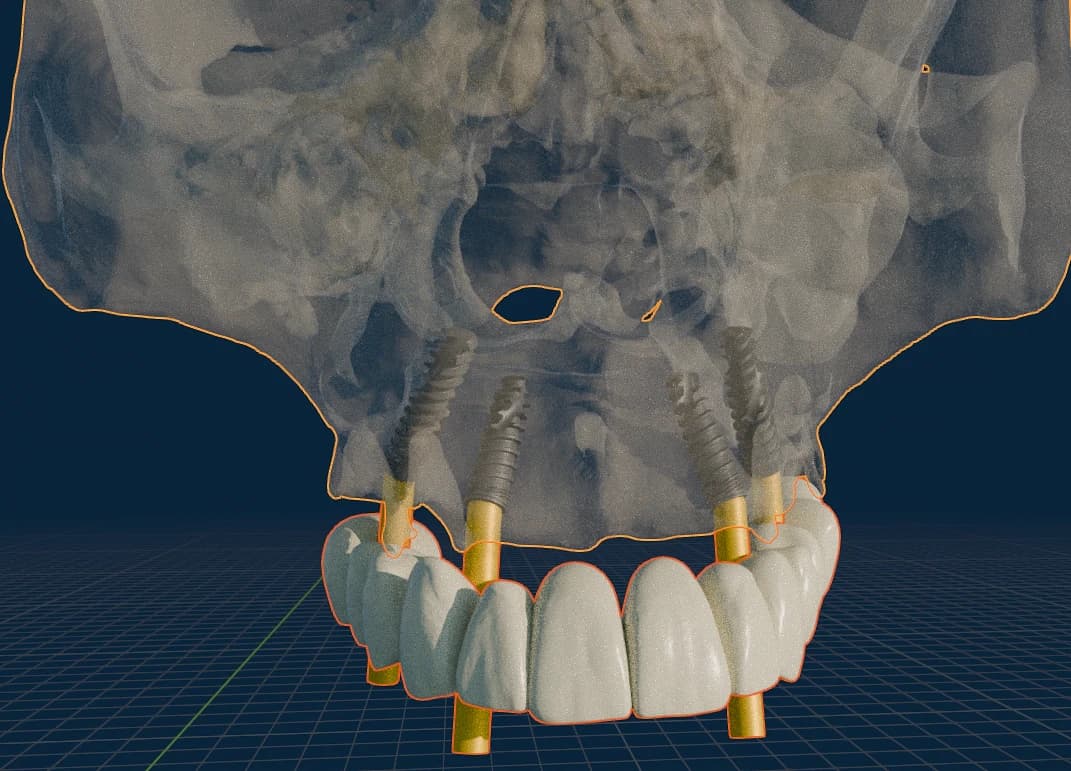
A guide is only as good as the plan behind it. This workflow protects the restorative result: the planned restoration is made visible first, then the implant position, guide support and drilling protocol are checked against it — so the guide serves the intended outcome, not the other way around.
Workflow detail
Cases this workflow fits
- Single implant cases
- Multiple implant cases
- Tooth-, tissue- and bone-supported guides where applicable
- Restoration-led planning for routine placement
What the practice prepares
- CBCT / DICOM dataset
- Intraoral or model scan
- Bite and prosthetic reference
- Implant system and prosthetic objective
What we review before production
- File completeness and scan alignment
- Anatomy visibility
- Prosthetic reference and guide support
- Drilling protocol information
What the dentist reviews
- Proposed implant position
- Guide concept
- Case-specific notes before approval
What the dentist receives
- Planning files
- Guide design files
- Printed guide or associated components — by selected scope
From plan to produced guide
The restoration-led plan carried through to a produced, seated surgical guide.
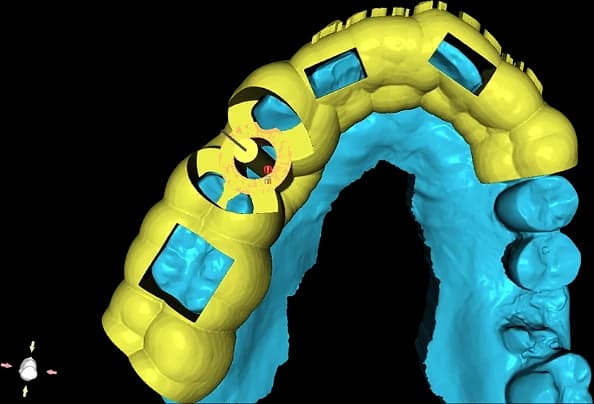
Single-implant guide referenced to the scan model. 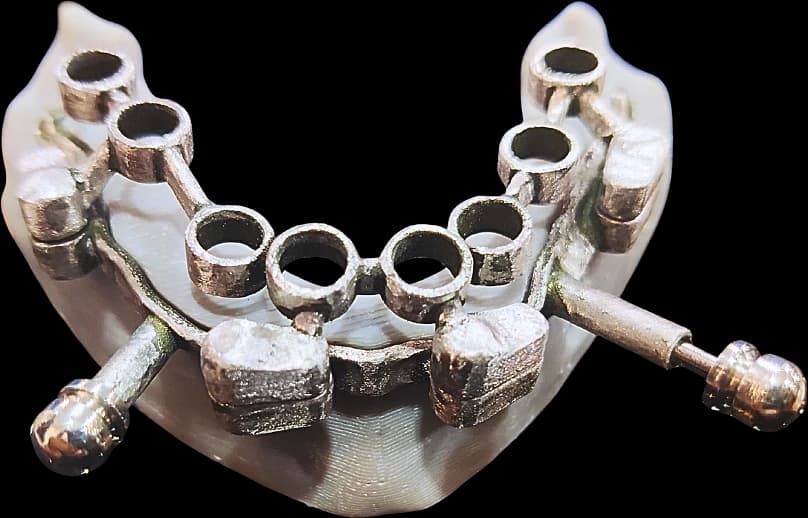
Full-arch guide with guided sleeves and fixation. 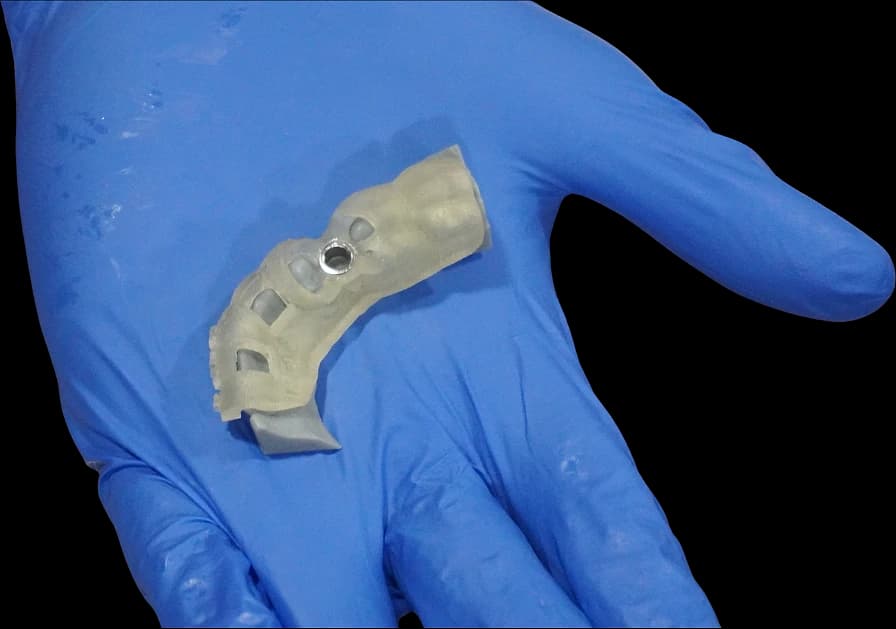
Produced guide, checked in hand before dispatch.
Representative produced output and planning renders. Every asset is de-identified; images are illustrative of the workflow, not a specific patient case.
Where cases commonly stall
These are the issues we check for up front, so a case does not lose time in planning or come back for avoidable rework.
- CBCT field of view too small to show the planned sites and adjacent anatomy
- Intraoral scan and CBCT that do not align
- No prosthetic reference, so the plan cannot be restoration-led
- Implant system or drill-kit not specified, delaying guide design
Common questions
Discuss the case first if…
the implant system is undecided, the restorative objective is still open, or the case combines guided placement with grafting or soft-tissue work that changes the sequence.
Start a guided implant case.
The Case Portal is live for invited practices. Request an invitation, or discuss the case with the team if the workflow is still being defined.