
Design-only workflow
Expert design files for your own production workflow.
Reviewed, ready-to-print planning and guide files for practices and labs that keep production under their own control.
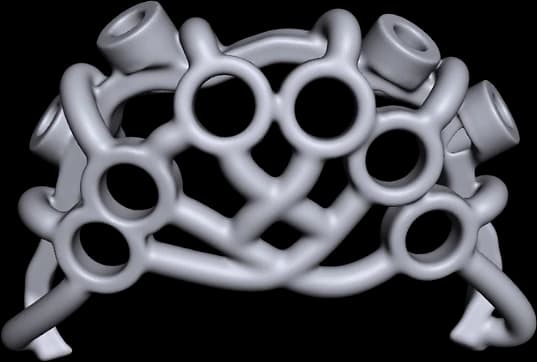
What this workflow protects
Design-only keeps you in control of production while removing the planning and design risk. It protects a clean handoff: you receive reviewed, ready-to-print files with a clear boundary on what remains a local production responsibility — so nothing is assumed on either side.
Workflow detail
What can be supplied
- Reviewed planning files
- Guide design files
- Production-ready outputs where scope and record quality are confirmed
What the receiving team validates
- Print orientation
- Material choice
- Printer calibration
- Post-processing, fit and device release
Before final file release
- Confirmed scope and record quality
- Agreed revision rules
- Recorded approval
Where cases commonly stall
These are the issues we check for up front, so a case does not lose time in planning or come back for avoidable rework.
- Assuming print settings or material are included when they are a local responsibility
- Records not clean enough for a reliable design pass
- Revision scope not agreed before release
- Local printer not validated for the guide geometry
Important notes
Print orientation, material, printer calibration, post-processing and device release remain production responsibilities of the local team unless explicitly included in scope.
Common questions
Discuss the case first if…
your production setup is new or unvalidated, or you are unsure which files your printer and workflow actually need.
Start a design-only case.
The Case Portal is live for invited practices. Request an invitation, or discuss the case with the team if the workflow is still being defined.